
Collect and manage website feedback in one place
Feedbucket helps you streamline the client review process when building new websites.
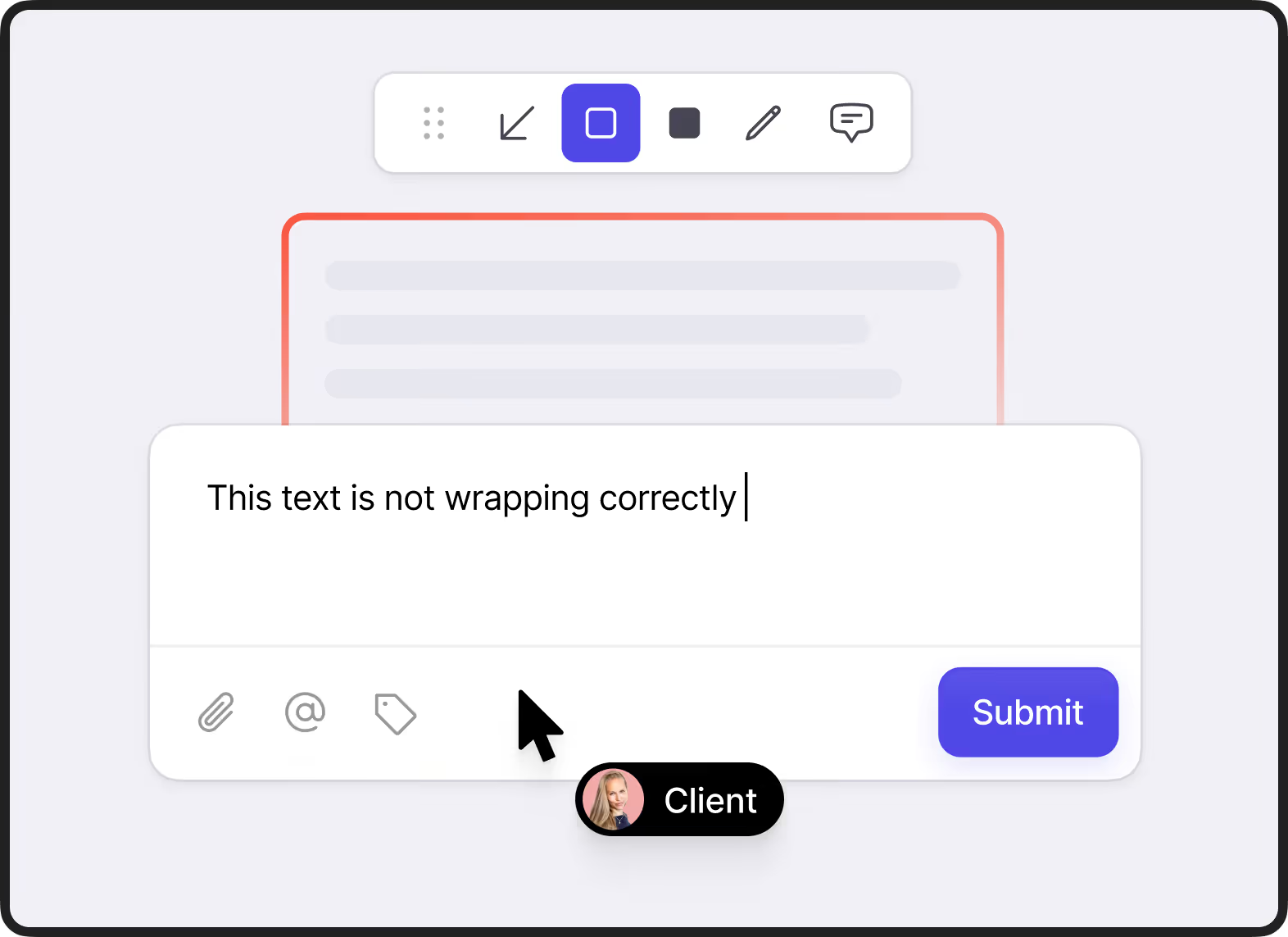
Send annotated screenshots directly from the staging website, no need to sign up
Clients click anywhere on the page to leave comments and annotations. Feedbucket takes automatically a screenshot of what they see.
"From our clients' point of view, Feedbucket is very simple and intuitive to use and not convoluted."


Show and tell with video feedback
Some issues are tough to describe in words. Clients can record a video of the screen (with or without audio) directly in the browser. No downloads or software needed.
No extension needed
With, or without, microphone
Go between pages and keep recording
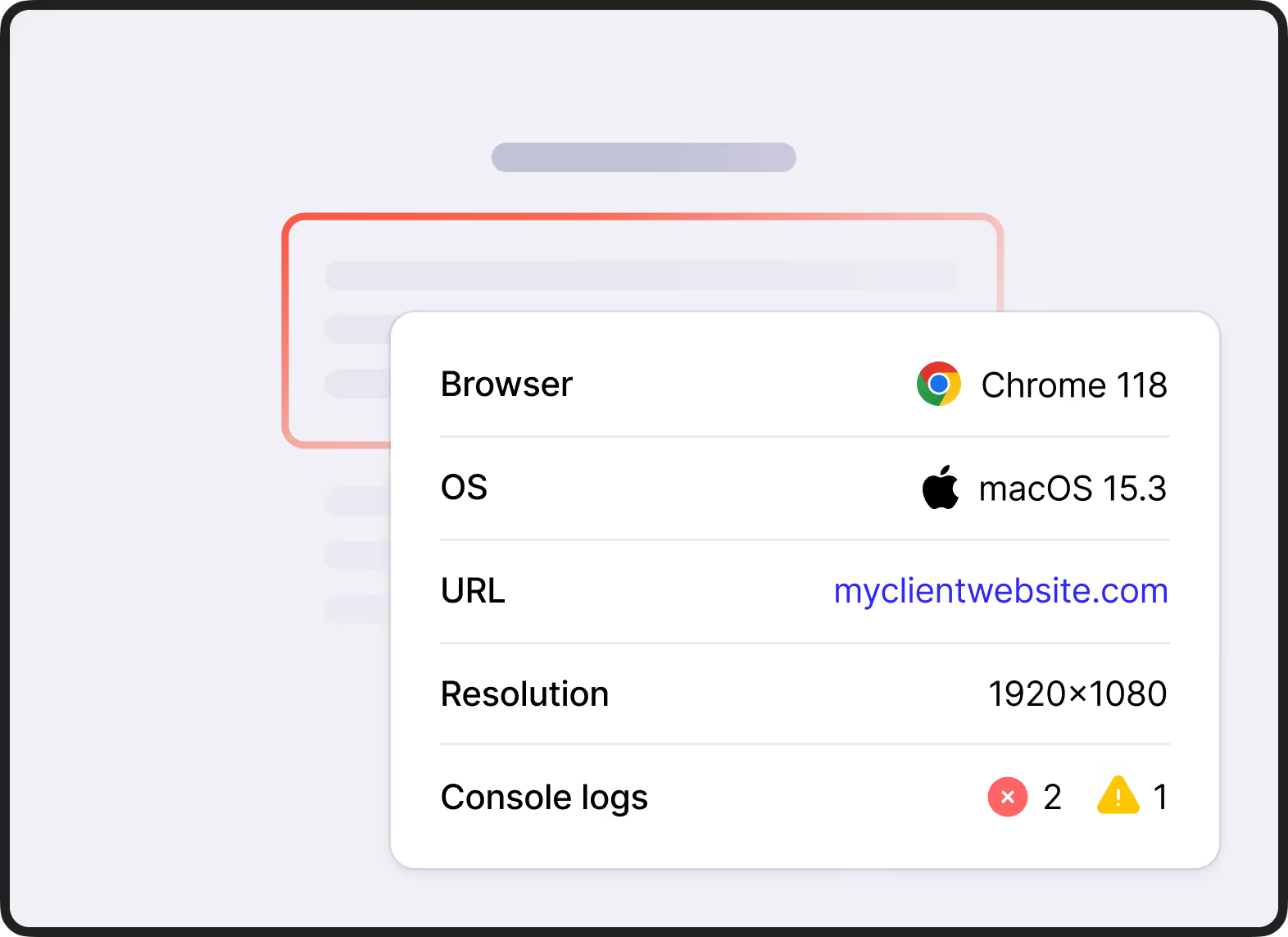
Technical information gets automatically captured
Feedbucket automatically captures the URL, browser, OS, resolution, console logs, and more when feedback is submitted. Everything your developers need.
"We’ve tried many different feedback tools, but Feedbucket really stands out. The user interface is clean and intuitive, and it’s packed with all the features we need."

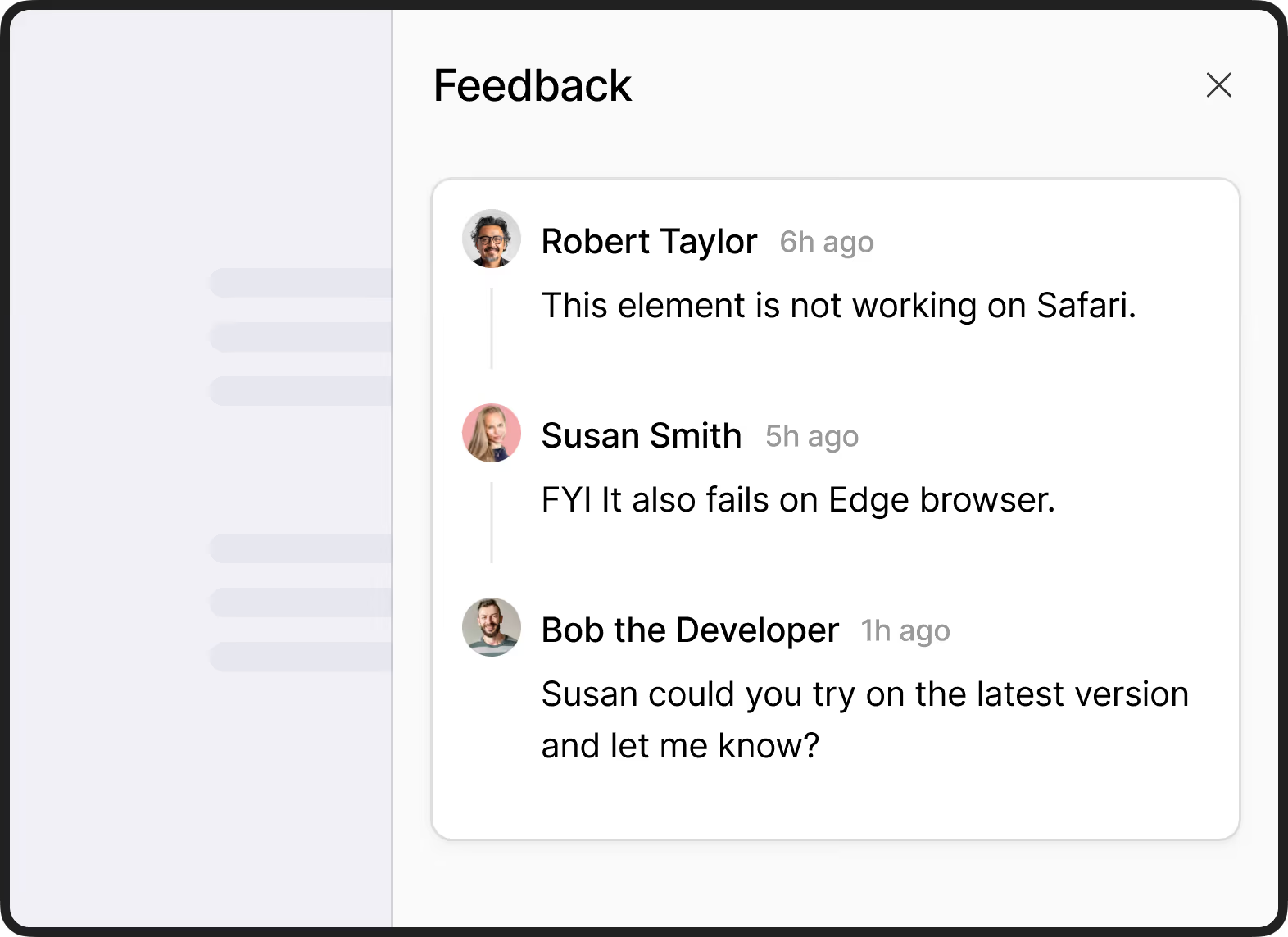
One shared comment thread
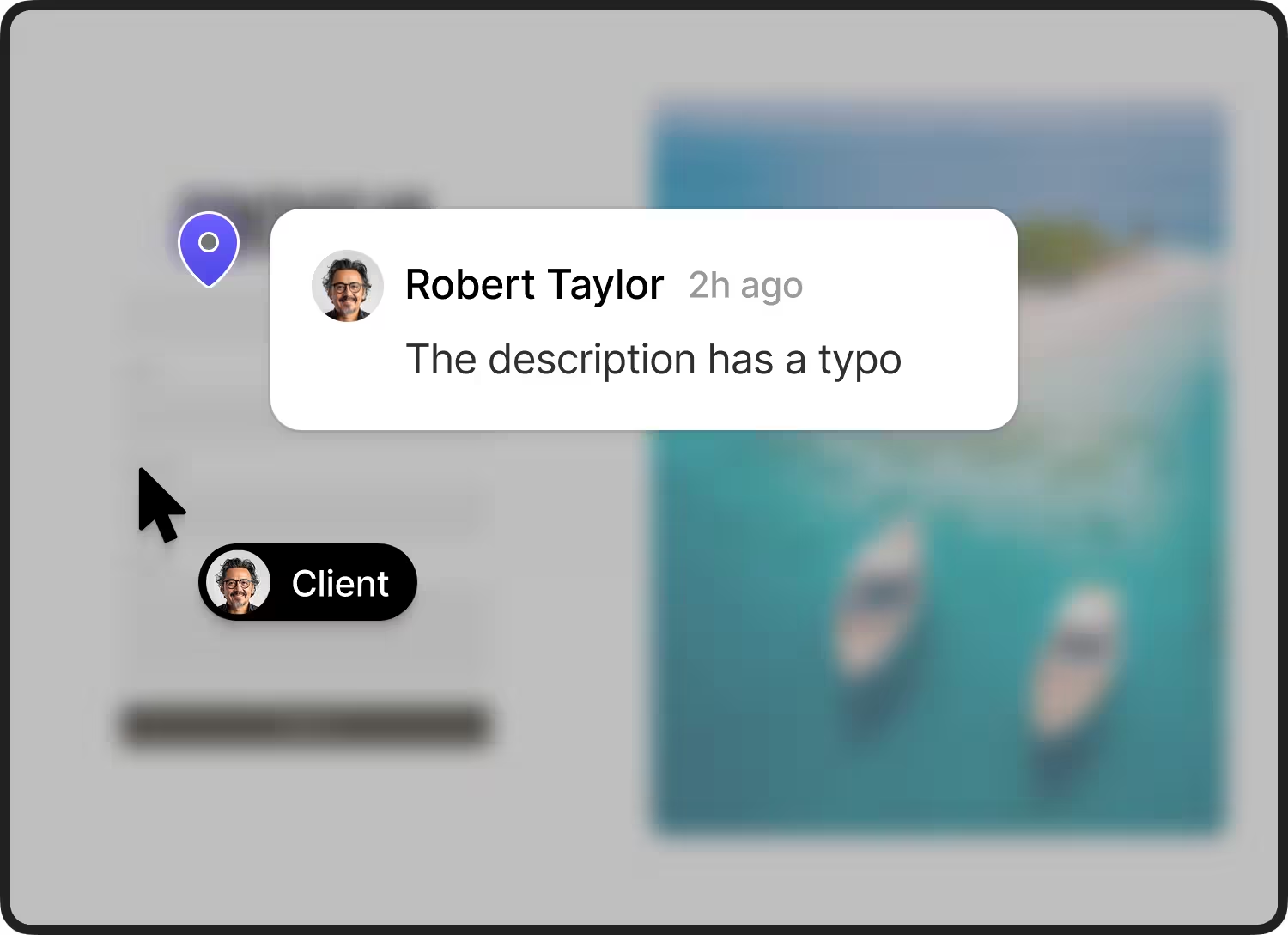
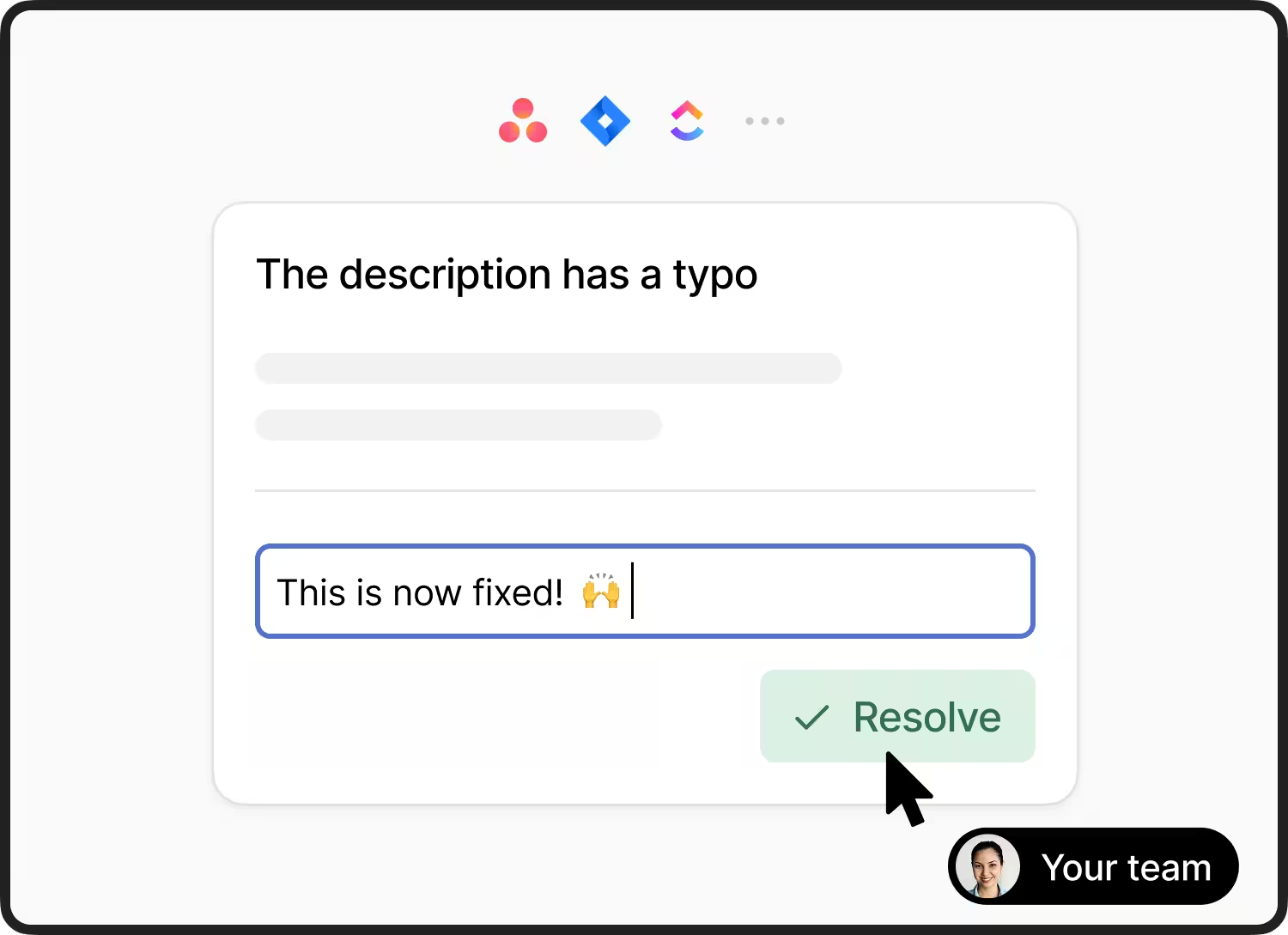
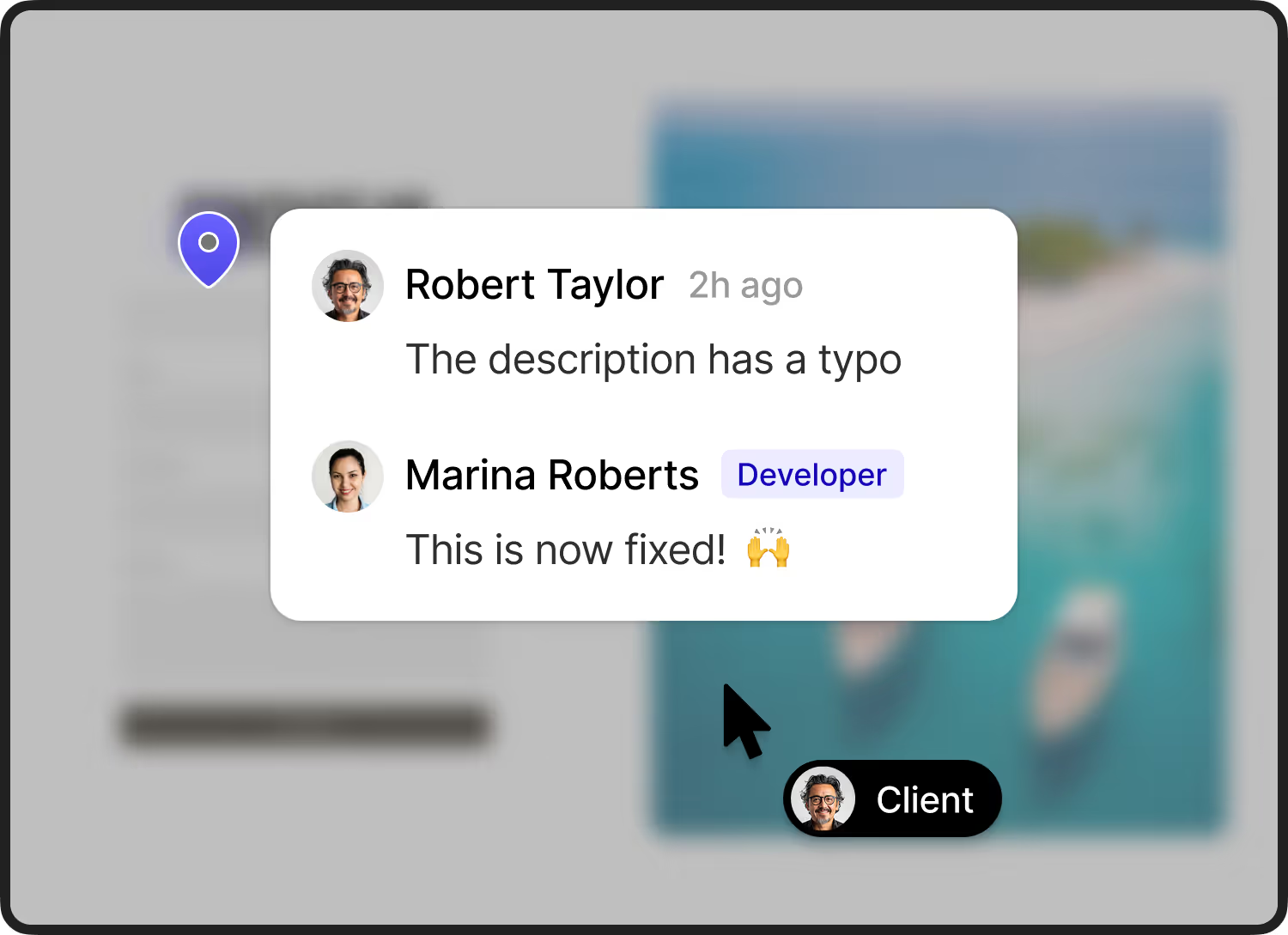
Clients, your team, and other stakeholders can comment and reply in one thread per feedback item. All comments sync automatically to your integration.
Organized as Open and resolved
Reduce duplicates with feedback pins
Attachments to keep track of files
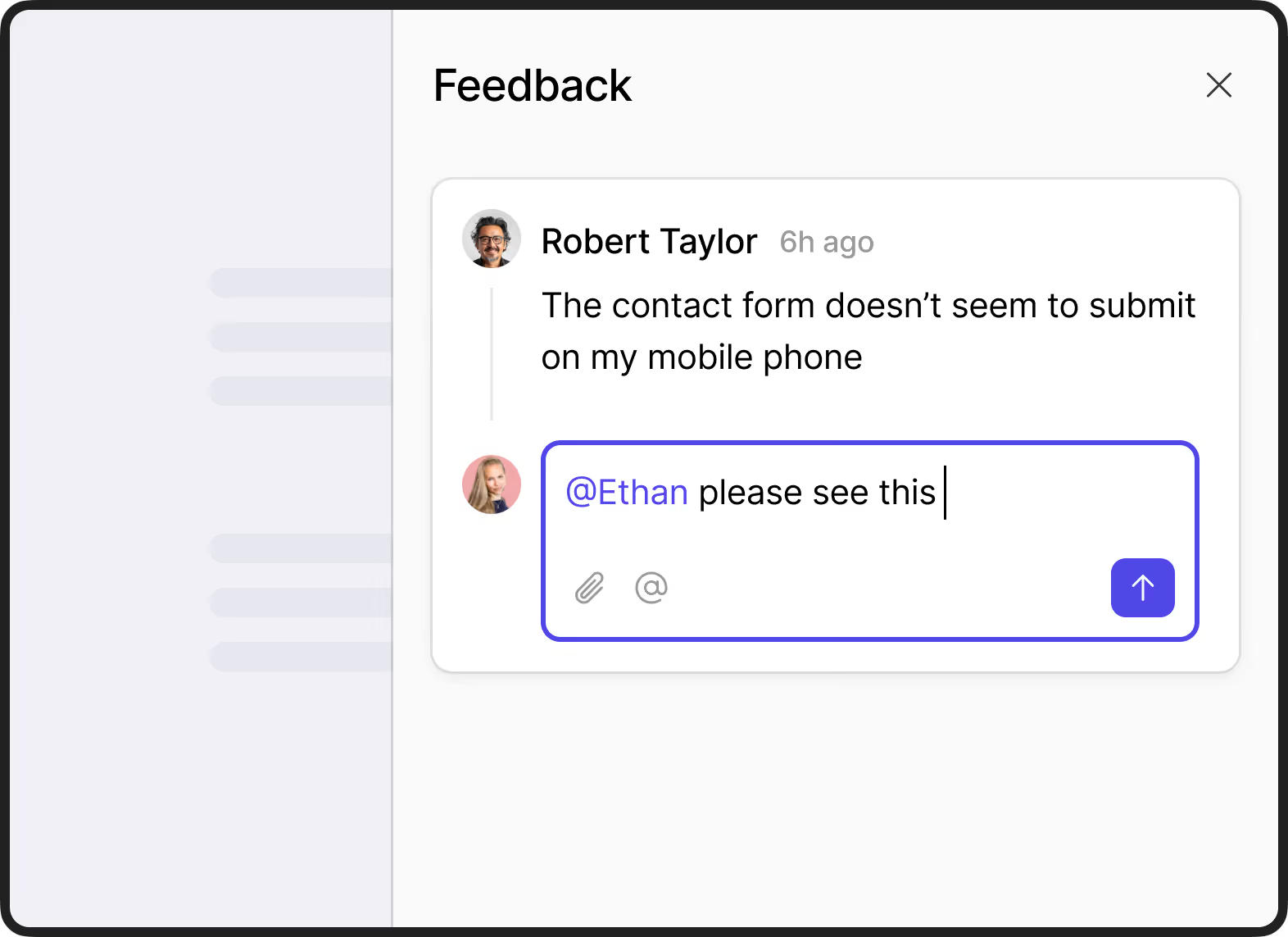
Tags and mentions for clear ownership
Tag feedback to organize it and mention people to get their attention.
"For a while, I struggled with buggy tools. When I found Feedbucket, I was immediately impressed with the ease of use and reliability of the third-party integrations."

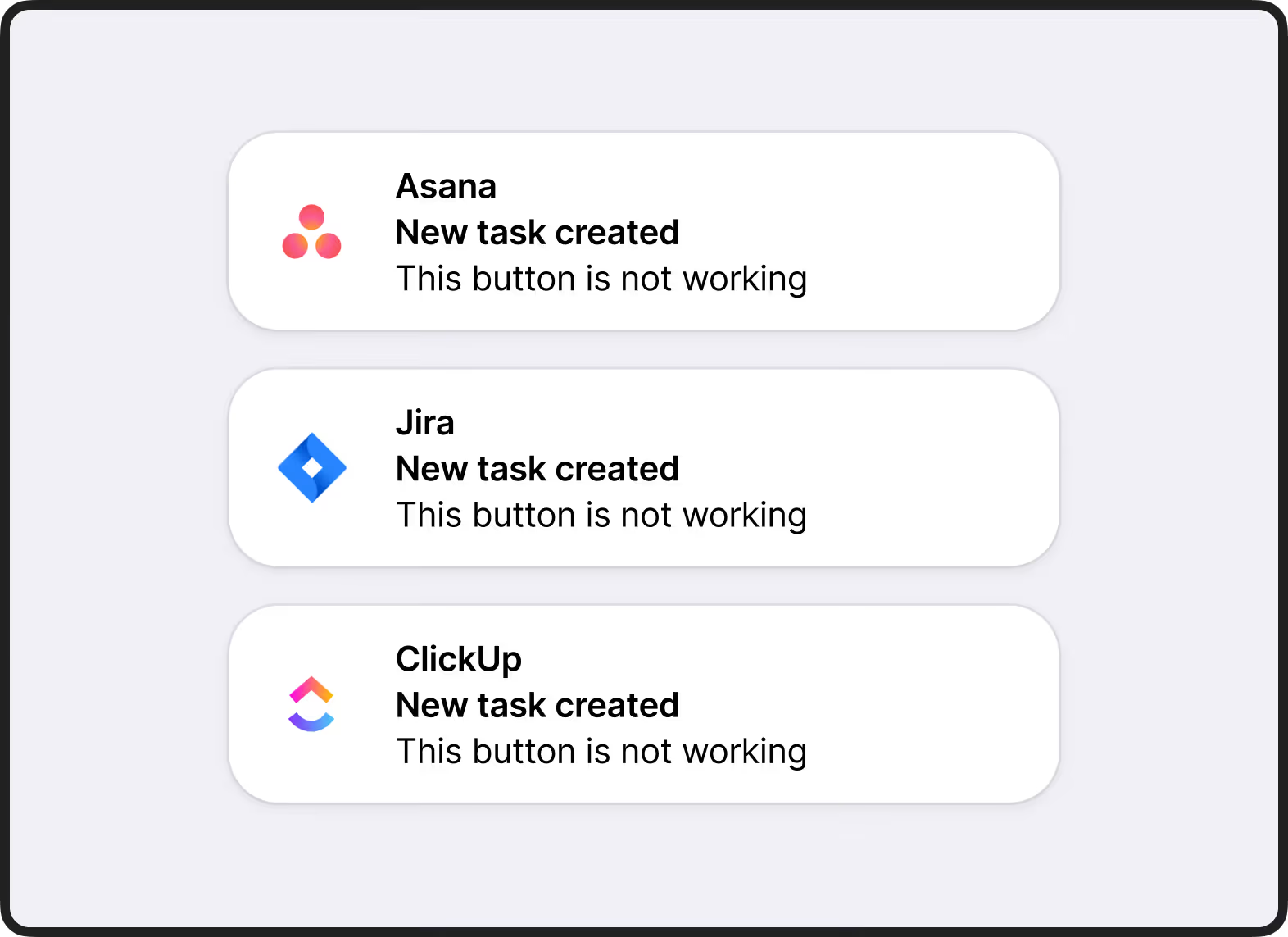
Feedback gets created in your PM tool
The feedback is automatically created as a task in your project management tool in the project/list you selected.
Configure where the task is created
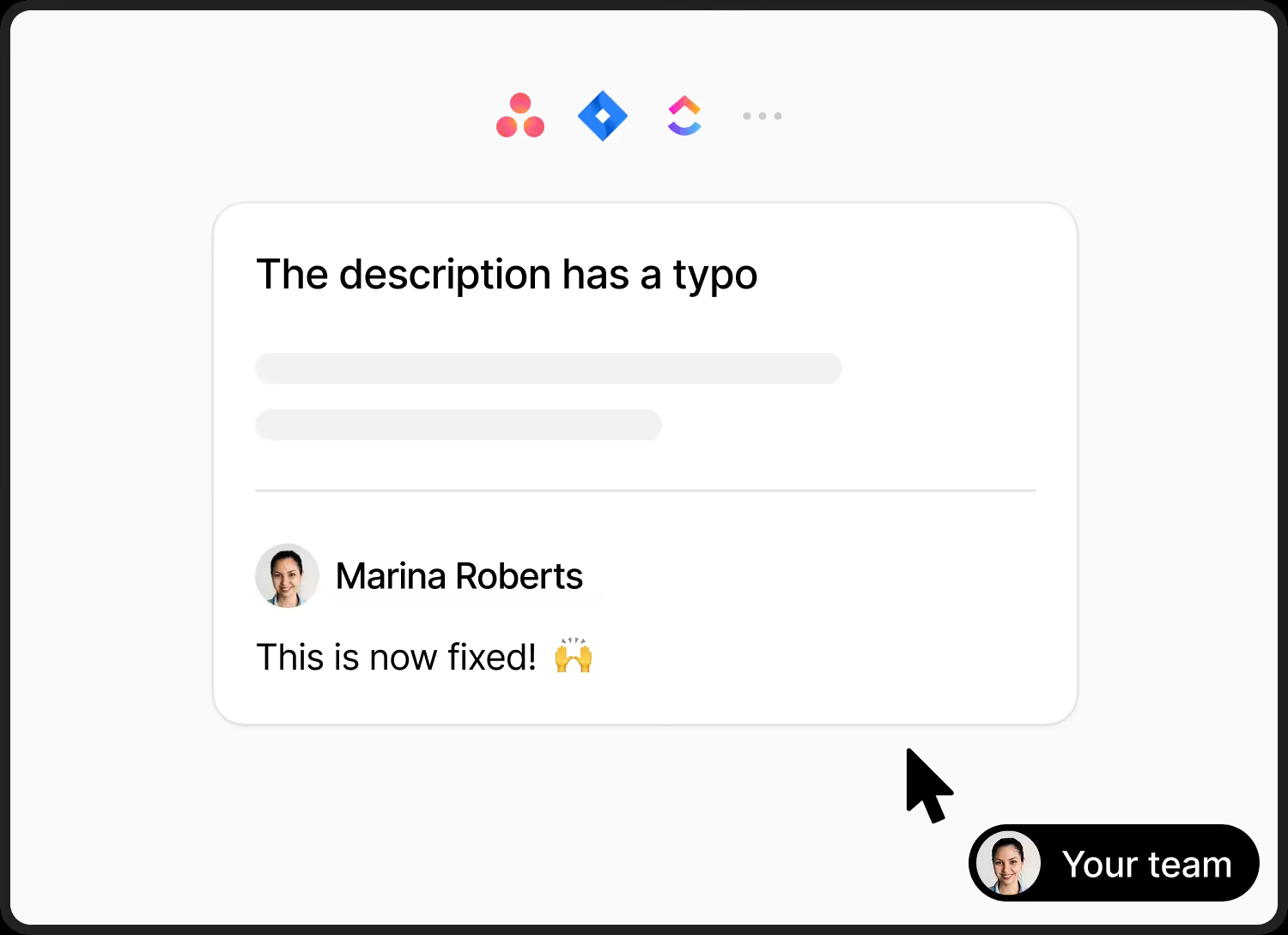
Comments automatically sync to correct task
Screenshot, video, attachments uploaded to task.
Your team can manage the feedback inside your PM tool.
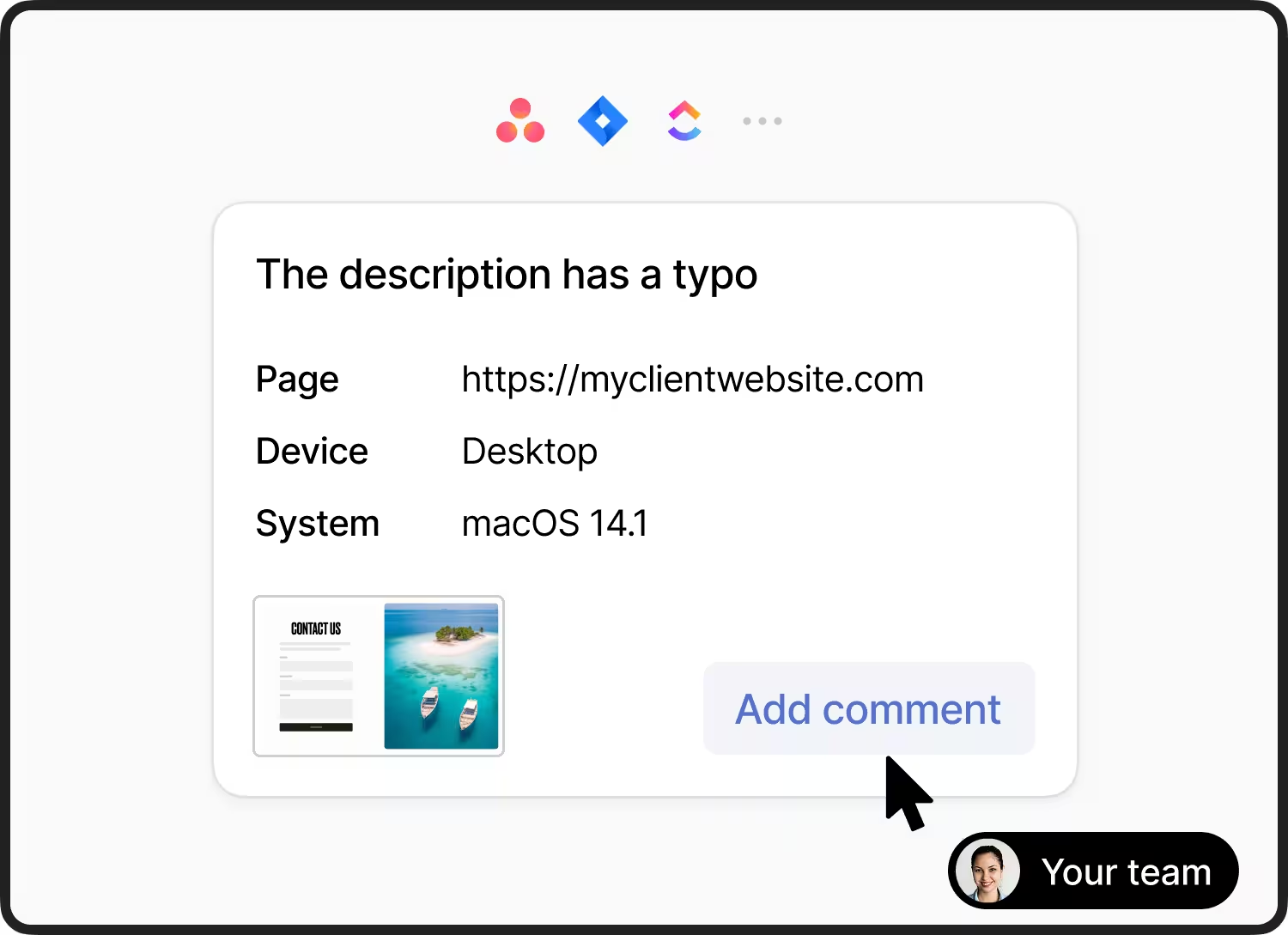
Deep 2-way integrations with your favourite PM tools


How it works
Install Feedbucket by adding a script tag
Clients and team submit feedback without leaving the site
Manage the website feedback in your project management tool
Simplifying website feedback for web agencies around the world
"The non-technical client picked it up right away. They were able to provide simple to complex comments easily."
"The Asana integration allows us to almost never open Feedbucket itself. Instead we can manage the feedback all from within Asana"


"For a while, I struggled with buggy tools. When I found Feedbucket, I was immediately impressed with the ease of use and reliability of the third-party integrations."
"We’ve tried many different feedback tools, but Feedbucket really stands out. The user interface is clean and intuitive, and it’s packed with all the features we need."
"From our clients' point of view, Feedbucket is very simple and intuitive to use and not convoluted."


